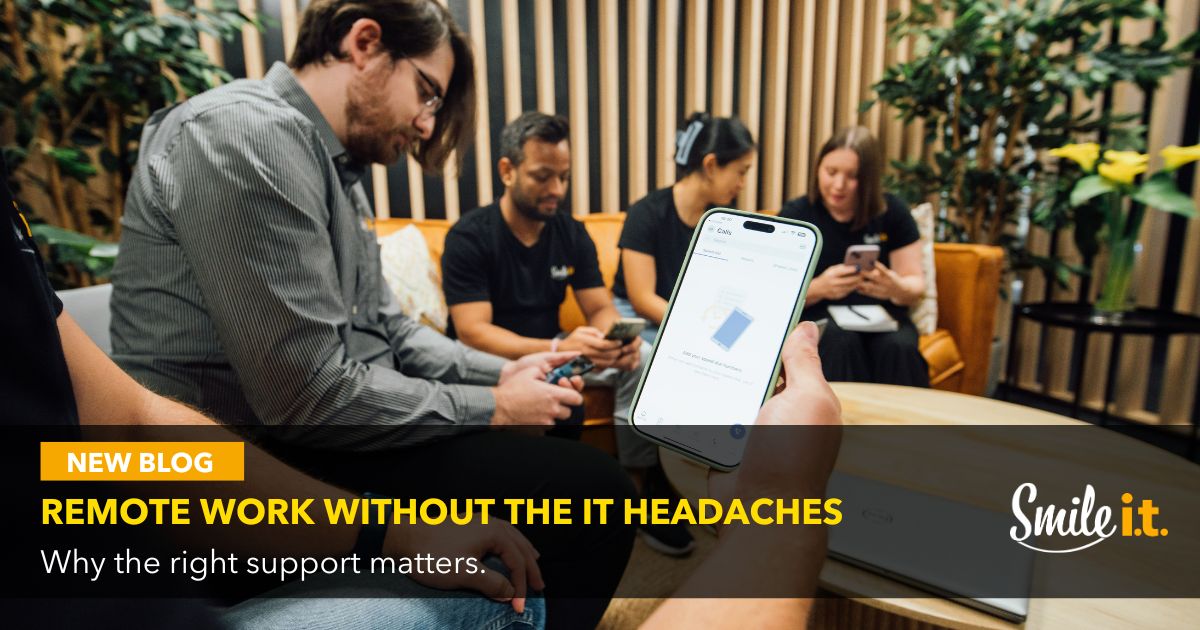
Remote work has become normal for a lot of Australian businesses. It’s not as simple as taking a laptop home and working from the couch though – a lot is going on behind the scenes to make remote work possible.
Seamless remote work boils down to the technology. With unreliable tech, communication becomes problematic and connectivity can be erratic. Collaboration, security and compliance issues raise their head.
For remote work to be effortlessly effective, it needs to be predictable. Then employees can focus on their work instead of solving technical issues. Predictability takes planning, strong systems and management – all of which you can get when you have an MSP like Smile IT on board.
Fast MSP Support to Keep Remote Teams Moving
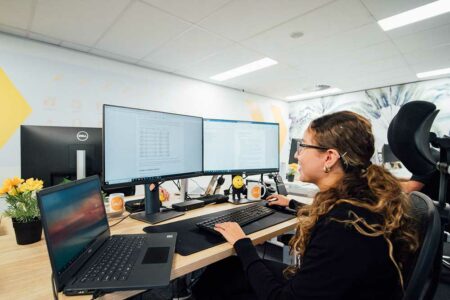 Speed is the key when it comes to remote work tech support. If a team member is having an issue, there’s nobody nearby they can turn to and usually no backup devices in place. They need fast IT support to get operational.
The Reality of Remote Technical Issues
Say your team member working from home has a problem with their laptop. It could be a small issue, but their department manager doesn’t have visibility on it and there are no colleagues around to troubleshoot it. It’s down to the MSP to fix it remotely. If there’s a delay on this, all momentum is lost for the remote worker.
Remote Monitoring and Management
Smile IT uses remote monitoring and management (RMM) software to remotely secure, monitor and manage our client’s devices. This helps us identify problems early and solve them before they become an issue. Nipping issues in the bud protects workflows and keeps productivity high.
Communication and Collaboration Tools
Successful remote work relies heavily on clear and seamless communication and collaboration. The Microsoft 365 stack has become integral to the remote work capabilities of many Australian businesses. Let’s look at the important apps.
Communication: Microsoft Teams
Teams is the central hub for most modern workplaces because it brings everything into one place. Staff chat, call, meet and collaborate on documents without switching between apps. Conversations are organised and features like screen sharing, whiteboards and meeting recordings make working from different locations easy. Teams Calling also allows for calls to be made to numbers external to the organisation.
Collaboration: OneDrive and SharePoint
With solid collaboration tools team members are always on the same page. OneDrive and SharePoint are two stalwarts of the Microsoft 365 stack that have become indispensable to remote work. OneDrive is for personal file storage and small team sharing while SharePoint is more for team and organisational use. They’re both pivotal in creating smooth and secure workflows.
The Right Managed Devices
Having consistency across company devices is important. Team members can be juggling two or three devices each across multiple locations – consistent managed devices make this less chaotic. Here’s why:
Standardised Hardware
Devices preconfigured with the right apps and security settings make for a smooth onboarding experience and less issues down the track.
Inbuilt Security
Managed antivirus, device encryption and modern endpoint protection helps keep business data safe. If a laptop goes missing it can be remotely wiped to prevent sensitive information falling into the wrong hands.
Seamless Onboarding and Offboarding
Staff changes become easy when everything is standardised. New employees receive a laptop that is ready to go, and access can be cleanly removed for anyone departing the organisation. Growing businesses appreciate the scalability of this setup.
For Mobile Device Management, we recommend Microsoft Intune MDM, available on the 365 Business Premium Tier. This is a cloud-based endpoint management solution that becomes a remote common centre for all your devices. Speak to our team about how we can put it to work for you.
Rock Solid Cybersecurity
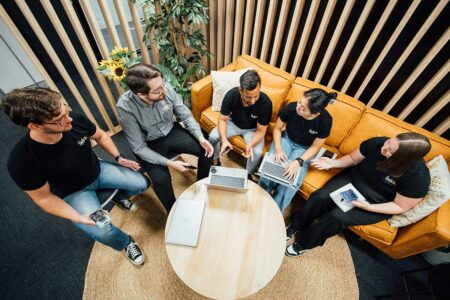 Remote workers rely heavily on the security and stability of their devices. Automated updates keep everything protected.
24/7 Cybersecurity Monitoring
A good MSP monitors your IT systems for risks all day, every day. Thanks to your advanced cybersecurity threat detection systems we can establish if malware has entered your system, which emails are suspicious, and what downloads could be harmful. Your team is protected, wherever they’re working from.
Patching
Unpatched environments are vulnerable; it’s as simple as that. They’re targeted by cyber criminals looking to exploit the loopholes in their code that need patching. Having an MSP take care of automating patching across all company devices removes that risk. There’s no more relying on individual staff to floor patching prompts.
Controlled Updates
If operating system or wide-scale software updates are required, strategic testing and deployment is required to ensure minimal disruption to workflows. Staff don’t want to reboot their computer while they’re in the middle of a meeting – everything needs to happen in the background so the working day isn’t interrupted.
Backup and Disaster Recovery
A cornerstone of your business’s approach to cybersecurity needs to be its backup and recovery strategy. Remote work increases reliance on cloud platforms, so backups and a predetermined path to normal operations are essential.
Protecting Cloud Data
Microsoft 365 doesn’t provide full backup protection of your company data. Instead, they operate on a ‘shared responsibility’ model, whereby Microsoft keeps the infrastructure secure and available and the user is responsible for protecting and managing data.
Cyber Incident Recovery
Cybersecurity breaches happen, no matter how strong your defences are. You need a disaster recovery plan in place to help your business get operational again after a cyber incident. This will keep downtime and damage to your reputation to a minimum.
Contact Smile IT to get Remote Work Ready
The best kind of IT support is the one you don’t notice – because that means everything is working as it should. You have the right tools in place, support is fast and your staff get on with their day.
To achieve that with remote workers, you need to have the right tech systems in place. That’s where Smile IT is here to help.
We build and maintain systems that make remote work smooth. Monitoring, security, support and governance all sit quietly in the background, supporting the business without getting in the way.
Are you ready for effortless remote work at your business? Get in touch with our team today. We’re here to answer all your questions.

When he’s not writing tech articles or turning IT startups into established and consistent managed service providers, Peter Drummond can be found kitesurfing on Moreton Bay or hanging out with his family!