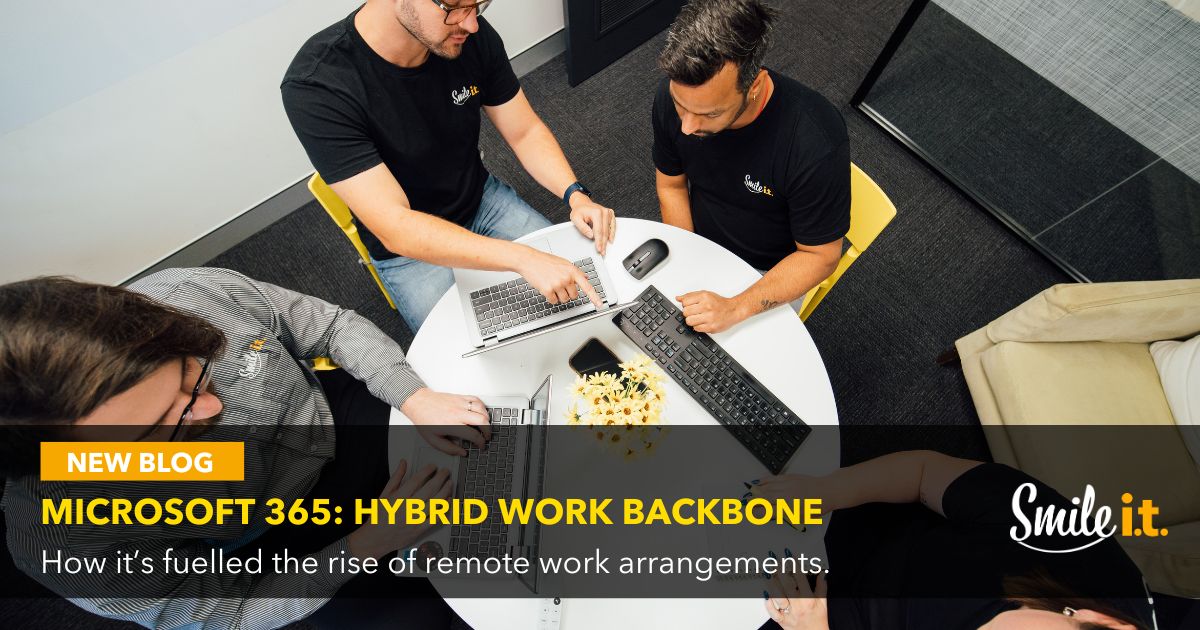
With nearly 60% of employed Australians having access to hybrid work arrangements, it’s clear that it’s become a standard feature of most workplaces here.
Microsoft 365 has to be credited with helping to make hybrid work successful, not just in Australia but around the world too. It lets workers move between the office and home without any disruptions to their workflow. Everything is accessible no matter your location – from emails to meetings, files and conversations.
If you’re looking to maintain productivity while adopting a hybrid work model, Microsoft 365 is the software stack you need on your side. Let’s take a look at why.
The Secret to Hybrid Work Success
 Cloud-Based Infrastructure
With Microsoft 365, the cloud is home to all your apps and data. All you need is your device and your secure login and you have access to the tools and documents you need to get the job done. That goes for your whole team – it doesn’t matter where they are in the world, team members can access organisational resources, services and data.
Real-Time Collaboration Abilities
Microsoft 365 is a collaboration powerhouse that allows your team to be as productive working remotely as they are in the office. Teams and Outlook keep them connected with chat, emails, conversations and meetings, while the cloud-based file storage of OneDrive and SharePoint allows for shared workspace and real-time collaboration. Global accessibility removes geolocation boundaries.
Advanced Communications with Microsoft Teams
Microsoft Teams becomes something of a home base for hybrid workers – it’s the connection point with the office and any other remote staff members. A place where you chat, meet and share files, and access company announcements.
Separate channels can be used for different project discussions, and meeting features include screen sharing, live notes, recording and video conferencing.
Teams keeps everyone connected, wherever they are working from.
Email and Calendar Synchronicity
Hybrid schedules are unpredictable and need more communication and planning than if everybody was working full-time in the office. Outlook and Calendar work together nicely to make that happen. Public calendars make it easy to see when colleagues are free, invites can be easily sent and meeting rooms back at the office can be booked. Guesswork is eliminated, and schedules are smoother as a result.
Centralised Files
Using personal drives for hybrid work is a disaster waiting to happen. File structures become disorganised, documents are saved in random spots and drives get lost all the time.
SharePoint and OneDrive prevent that – OneDrive holds your personal files for small team sharing. SharePoint is your company intranet for wider organisational sharing and collaboration. Files can be worked on in real-time by multiple team members. Access is controlled, revisions can be tracked and files can be recovered if needed.
Definitely beats working off a portable hard drive.
Hybrid Work Security
There are powerful security features in Microsoft 365 that allow workers to safely work from multiple locations.
Secure Remote Access
Because your business technology will be spread across more locations, there are more entrances for hackers to exploit. Microsoft Entra ID lets you manage authentication across multiple devices, with conditional access policies ensuring only the right people have access to your business environment. Multifactor Authentication strengthens password security and is a proven protector against data breaches. Anti-phishing features in Microsoft Defender increase security against malicious emails.
Manage Devices Remotely
Microsoft Intune allows you to manage multiple devices from the cloud, both company-owned and personal. You can push updates to the devices, deploy apps, and even remotely wipe data from a device if it goes missing. Every device becomes a managed part of your workplace that can be controlled from a central platform.
Endpoint Protection
Microsoft Defender for Business provides threat protection to help protect your business environment at scale. Endpoint Detection and Response (EDR) detects and alerts you of attacks in near real-time. Vulnerabilities and misconfigurations are also proactively identified and fixed before they are exploited. All endpoints are managed from a single platform too.
Best Practices for Hybrid Teams
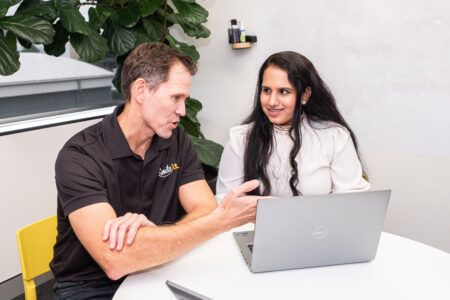 Hybrid work isn’t just about having the right technology (like Microsoft 365) in place. It’s about educating and training your team to use it in the right way. Ingraining habits that support productivity and security, laying the foundation for successful work no matter the location. Here are some tips for doing this:
File Structures: Create folder names that are logical and easy for people to understand. The answer to “Where is that file?” should be obvious – no cryptic labelling, no overcomplicating things.
Communication Rules: Hybrid teams miss visual cues because they’re not in the office to see them. That is why clear communication matters. Meetings are where decisions are made, chat channels are where fast info is shared, any team topics are discussed on the right group channels. This way necessary information will be accessible and not hidden away.
Security Habits: With 91% of cybersecurity professionals reporting an increase in threats due to remote working, it’s important your team are up to speed with their security behaviour. Avoid dodgy links, keep passwords strong, verify unexpected requests – these are all simple habits that can prevent big cyber problems.
Have Backup Plans in Place: With Microsoft 365’s ‘Shared Responsibility’ model, you are responsible for securing and backing up your business data. This includes you having comprehensive backup plans in place. Your managed IT services provider will be able to guide you to a solution that integrates with Microsoft 365 for seamless recovery and backup.
Why Microsoft 365 Needs Proper Setup
There’s a lot that goes into optimising Microsoft 365 for your hybrid work setup. Planning and strategising need to take into account license control features, security settings and folder structures.
It needs to be set up to suit how your business operates, running in the background and ready when you need it. Smile IT can help you get there.
Contact Smile IT to get set up for Hybrid Work
We want to give your team the freedom to do their best work wherever they are. Microsoft 365 has the tools your business needs to achieve this, helping you stay connected, secure and productive.
The Smile IT team is here to help you get it set up right. We’ll help you build a hybrid work system that feels seamless instead of stressful, allowing your team to work from home, the office and everywhere in between.
Get in touch today and let’s get started!

When he’s not writing tech articles or turning IT startups into established and consistent managed service providers, Peter Drummond can be found kitesurfing on Moreton Bay or hanging out with his family!